
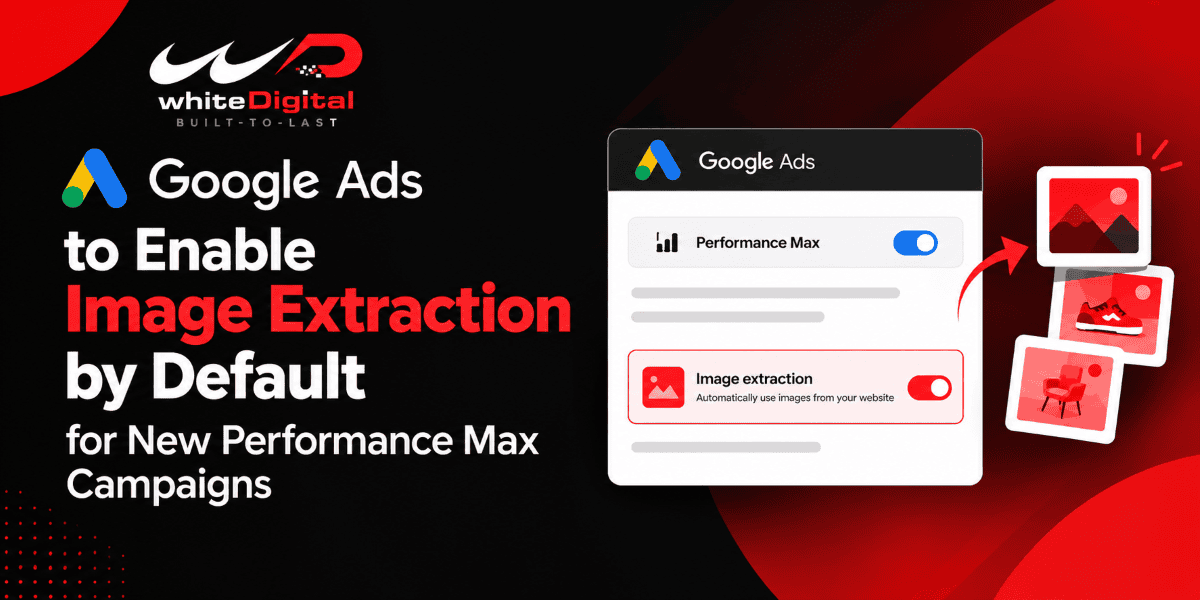
Google is changing the way images are used in Performance Max campaigns. As of December 4, 2026, image extraction will be turned on automatically for new Performance Max campaigns. This allows Google to pull in images from your landing pages and use them as creative assets. If you would like to manually upload your own images, it is possible to disable the feature.
How does the Image Extraction Work?
Google Ads uses AI to analyze your landing pages, identify high-resolution images, and use them to enrich your creative assets. This helps make your Performance Max campaigns more visual across Search, YouTube, Display, Discover, Gmail, and Maps, allowing you to showcase your products and services in a more visual way without having to add every image manually.
What’s Changing?
From December 4, 2026, every new Performance Max campaign will have image extraction enabled by default. The problem is, this also works if you’ve already disabled dynamic images at the account level. These settings determine if Google can display images from your site in your ads.
And your current Performance Max campaigns will not be impacted. They will keep their image extraction settings the same.
How to Check Dynamic Image Settings
- Click on Campaigns and then Assets.
- Tap the three dots and select Account-level automated assets.
- Click on the three-dot button again, and then click on Advanced settings.
- Check whether the Dynamic image setting is on or off.
What do Advertisers have to do?
Check out the images on your landing pages before you start a Performance Max campaign. Be sure they’re high-quality and authentic to your brand, as Google can use one of them in your ads.
It is also advisable to verify if you have the rights to use those images. And if you want to have full control over your creatives, you’ll want to double-check your campaign settings to ensure that you can choose images manually.
Final Thoughts
The update provides Google with more space to use your website’s images in Performance Max, potentially freeing up some time on your creative production. However, automation is best complemented by being in the loop. Check your images and your campaign settings to ensure everything that shows up in your ads is suitable for your brand and your marketing objectives.