
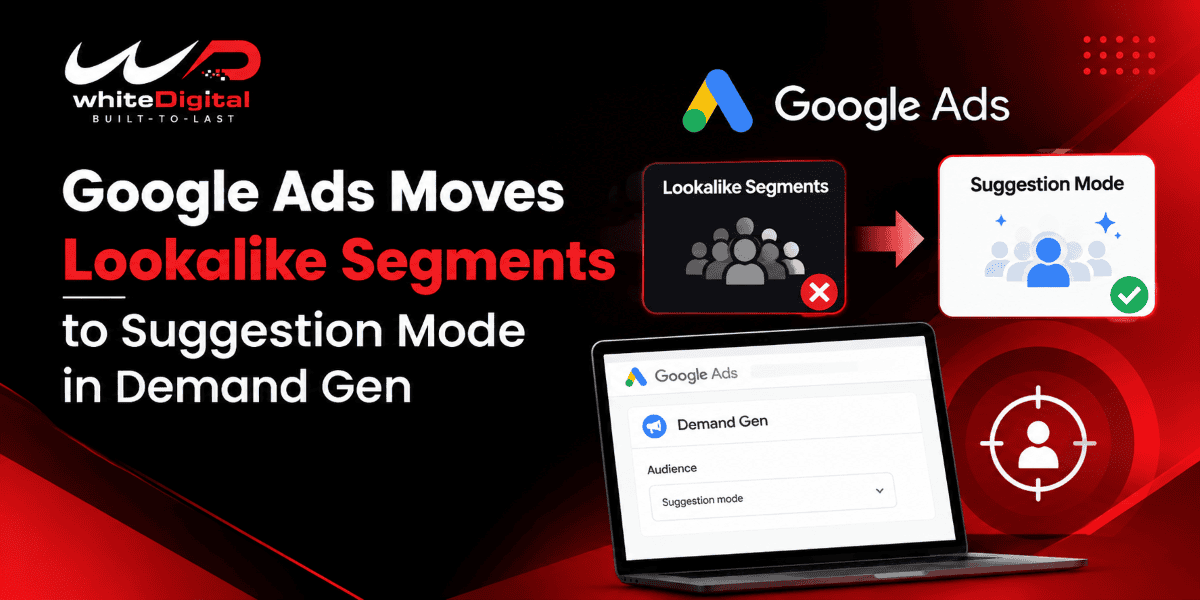
In Google Ads, a significant change is being made to how advertisers utilize Lookalike segments in their demand generation campaigns. The change involves Google’s shift to a recommendation model by default, but advertisers who want to retain the old targeting behavior may disable the update.
This is especially important for advertisers who target potential customers with the help of their first-party customer data. Knowing the difference between these two settings will be helpful to make better decisions about audience reach, campaign control, and performance.
What Are Lookalike Segments in Google Ads?
Lookalike segments help advertisers to find potential customers that have similar features to those of their existing customers. For advertisers to reach audiences who might be interested in what a particular business has to offer, Google uses first-party data like customer lists, website visitors, app users, and YouTube audience.
For example, an online store might compile a list of customers who purchased a specific product, and then Google Ads will use this data to find similar people and reach out to them to buy this product too.
Demand Gen campaigns provide lookalike segments which allow advertisers to reach audiences across Google’s visually rich and discovery-based ad inventory.
What Is Changing in Lookalike Targeting?
As stated in Google’s official documentation, the default setting for Lookalike segments in Demand Gen campaigns is expected to change to suggestion mode.
Advertisers have the option of opting out of this update if they wish to keep the original behavior, in which Lookalike segments function as a targeting constraint.
That point is important. A targeting constraint restricts the delivery of advertisements in accordance with the criteria of the selected audience, while a suggestion-based approach gives more flexibility to Google’s campaign systems to identify potential customers outside of the suggested audience, depending on the campaign’s targeting settings.
Advertisers should therefore go over their audience settings in order to see how this change might impact the reach of their campaigns and the level of control they have.
There are three ways in which Google Ads allows you to control the audience similarity and reach.
- Narrow: The campaign is aimed at 2.5 per cent of the users in the target location, with a focus on those most similar to the seed list.
- Balanced: Google seeks to have 5 per cent of the users in the target location, balancing the degree of audience similarity with the extent of reach.
- Broad: Google’s objective is to reach 10% of users in the target area, thereby providing a broader audience
The percentages are aimed at achieving certain levels rather than at ensuring specific audience sizes, and the most suitable choice will vary according to the advertiser’s objectives, the data available, and the campaign’s requirements.
How to Create a Lookalike Segment
When setting up a new Demand Gen campaign, advertisers have the option of creating Lookalike segments.
Start by setting up a Demand Gen campaign and then add an audience at the ad group level by selecting New Audience and choosing the option to add or create a Lookalike segment.
Now, type in a segment name and choose at least one seed list. Google provides access to sources like customer lists, website visitors, app users, Google Analytics audiences, and YouTube audiences. Advertisers are able to combine up to 10 existing audience lists into a segment.
Once you have chosen the countries or regions that you want to target, select Narrow, Balanced, or Broad and then save the segment.
Google suggests that you create the campaign and the segment two to three days prior to the intended launch date; it takes about 72 hours for a new segment to be populated.
Requirements and Best Practices
For a lookalike segment, you need more than 100 active matched people within the lists of seeds you have submitted. Mobile Device ID customer lists may not be used as seed lists for this feature.
The advertisers need to target customers with higher intent, such as recently converted customers, repeat customers, or people who have shown high interest in a product or service. It is advisable to include both Lookalike and custom high-intent segments if you want to reach relevant people.
Google Ads reporting will enable you to track the performance of your campaign and see how the audience performs, along with other information such as age, gender, geography, devices, and affinities.
What Advertisers Should Do Next
Advertisers should therefore look over their Demand Gen campaign settings following Google Ads’ shift to suggestion-based Lookalike targeting. Businesses that require more control over their audience should check the opt-out option, whereas those who want to reach a wider audience should understand the effect of suggestion mode on their targeting strategy.
By testing out various audience strategies and examining conversion performance, advertisers will be able to find out which approach best supports their campaign goals.