
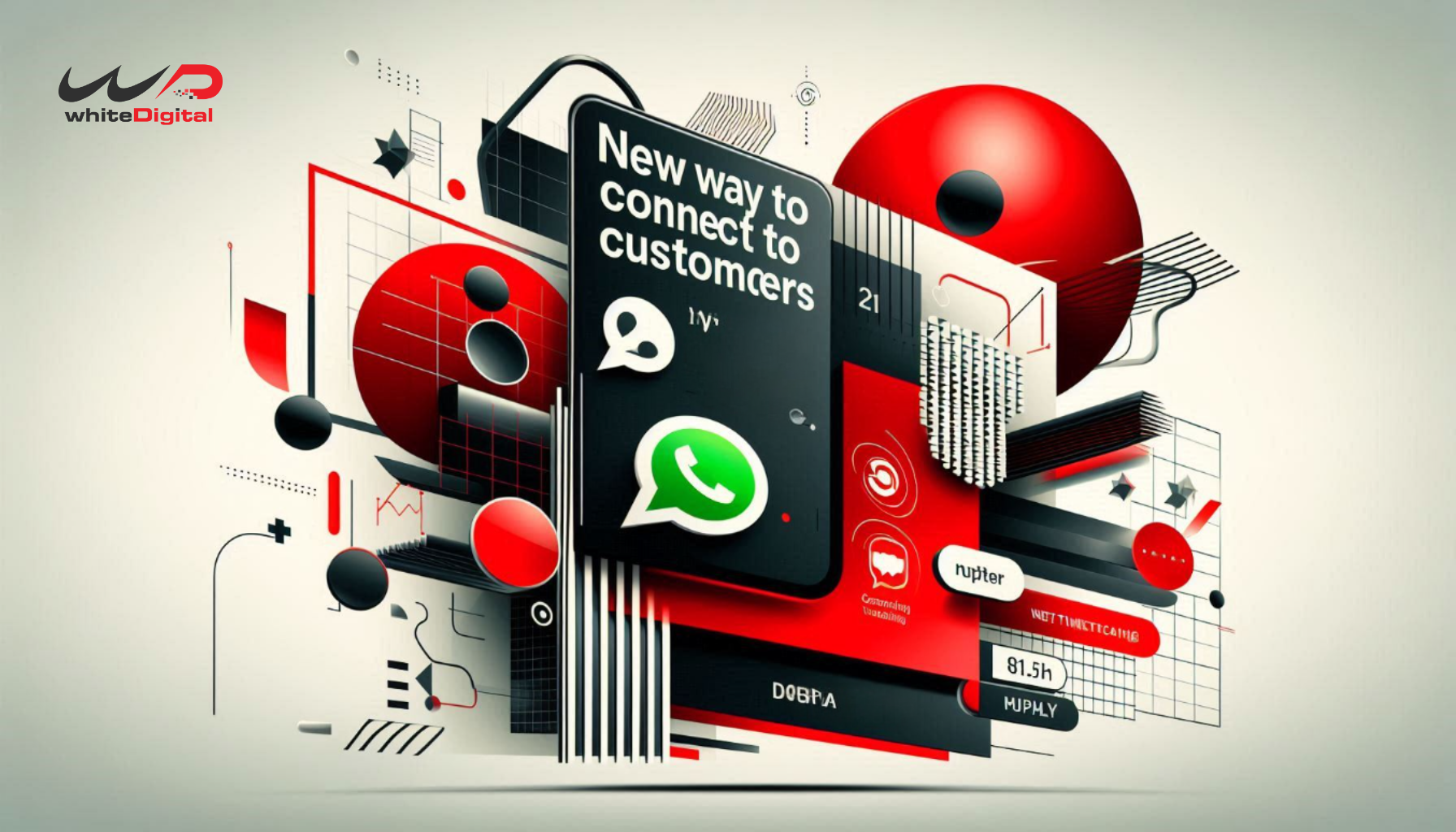
In a world that has shifted to a Digital First approach, Meta continues to roll out advertising solutions for its apps and also aims to change the ad format. The new and innovative ad solution is WhatsApp Advertising on Meta Ads.
WhatsApp Ads on Meta Ads allow businesses to connect directly with customers, inside WhatsApp, the most commonly used messaging app in the world, with 2 billion users. Advertisers can now create ‘WhatsApp Status ads’ and ‘Click-to-message ads’ to facilitate a more personalized engagement with customers.
In this article, we will unpack Advertising with WhatsApp Ads on Meta Ads, a mindset with advertising placements that exist, and why it is an opportunity for your client’s business.
What is Advertising with WhatsApp Ads on Meta Ads?
Meta Ads, which has been offering WhatsApp placements, enables businesses to deliver their marketing strategy directly within the WhatsApp app. Your business ads can be placed in Facebook and Instagram ads, but also in ‘WhatsApp Status’ just like an ‘Instagram Story’ ad.
Businesses can also create ads that are Click-to-Message ads, which allow users to connect to your business via WhatsApp chat automatically. This way of advertising also creates a stronger engagement with the user, while breaking the general norms of an ad to customer engagement.
Creating Brand Awareness Using WhatsApp Status Ads
You will be able to find the WhatsApp Status ads under the Updates tab. This is the same place where the audience sees their friends’ status updates. These ads merged along with the user-generated content.
Status ads tend to be highly visual, consisting of images, short videos, text and links that can be easily engaged with. These have high visibility because users are frequently visiting and checking their WhatsApp Status updates. Status ads have potential for better brand recall.
Advertisers can use these ads,
- To give their products a debut
- Promote time-limited offers or discounts
- Drive traffic to their client’s WhatsApp Business profile or website
- Build awareness for an event or campaign
By appearing in this familiar and trusted space, Status ads allow brands to continue to maintain authenticity while reaching a wide audience.
Click-to-Message Ads: How to Initiate Genuine Conversations?
Click-to-message is yet another compelling way to place WhatsApp ads using Meta Ads Manager. It allows users to click a button in an ad that they can see on Facebook or Instagram, or even in WhatsApp, to open a conversation within the app without typing anything. This organic/direct channel is ideal for users to do things like:
- Personalized product recommendations
- Support or inquiries
- Booking and order confirmations
- Feedback or query collection
Click-to-message ad placements help promote engagement without deviating from people’s sense of trust in messaging on WhatsApp.
Advantages of using WhatsApp Advertising through Meta Ads
There are several benefits of using WhatsApp advertising through Meta Ads and some of them include,
- Better Reach: When you use WhatsApp advertising, you are gaining an opportunity to gain access to Meta’s greatest targeting option and gain massive global reach and usage.
- Greater Engagement: With WhatsApp advertising, a chat-based environment feels familiar for conversations, allowing for a better experience over traditional ads with clicks.
- Individualized Communication: The chat framework allows a more focused conversation with customers in real-time.
- Easy Integration: You can manage your campaign across Facebook, Instagram, and WhatsApp in one Meta Ads Manager session.
Small businesses now have the opportunity to compete more closely with large brands using conversational, directed marketing while investing less in the technical aspects.
Advertising via WhatsApp Business
Once you have connected your WhatsApp Business Account to your Meta Business Manager, you can begin to set up a WhatsApp ad. Under the Meta Ads Manager make selections for objectives like Messages, Traffic, or Conversions.
- For placements, select WhatsApp as your platform.
- Make your ad creatives — visuals, copy and calls-to-action.
- Select audience targets and budget.
Well! It’s time to launch and make notes from the reports from within Meta’s analytics dashboard. You can continue to iteratively test formats and audience segments until you have perfected your ad and have an understanding of what will appeal most to your client’s customers.
Coming to an end, this inclusion of WhatsApp placements into the advertising use cases from Meta is a learning experience and an enormous leap from the platform’s traditional advertising approach.